History
Use History to review previous dose records and check what was recorded.
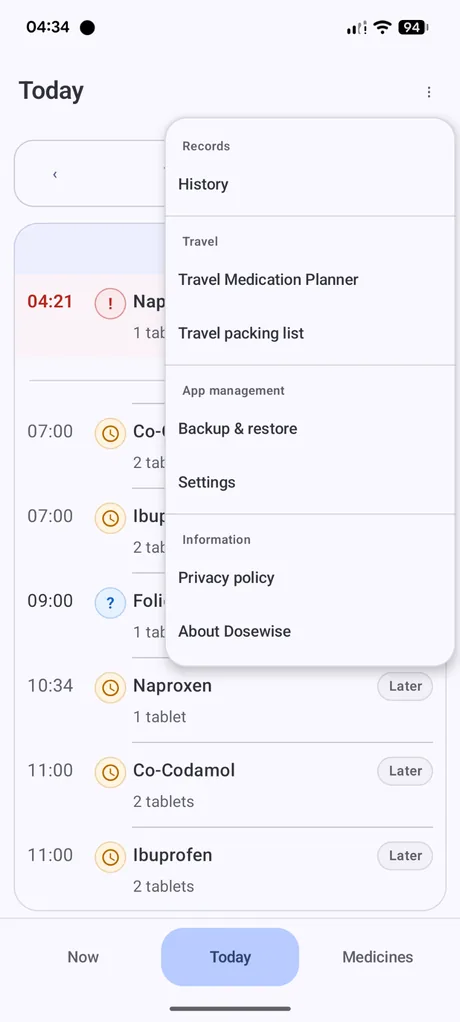
What History shows
History shows dose records in a simple timeline. When you record a medicine, it appears in History with its recorded date and time.
History is useful for checking whether you have already recorded a dose, reviewing recent use, and finding corrections that may be needed.
Exporting history
The History screen can export a compact CSV file containing taken dose records. This is separate from the full Backup & restore export.
Use history export when you want a simple readable record. Use Backup & restore when you want to move or protect your Dosewise app data.
Clearing history
Dosewise can clear dose history stored on the device. Clearing history deletes dose history records. The app warning explains that this does not reset current medication counts or last recorded times.
Export anything you need to keep before clearing history.
History is a record, not advice
History helps you review what was recorded. It should not be used as the only source for medical decisions. Follow your medicine instructions and seek professional advice where needed.