Dosewise Help
Dosewise Help
Plain guidance for setting up medicines, recording doses, checking timing, using reminders, and managing your Dosewise data.
Dosewise is not medical advice. It does not decide what medicine you should take, whether you should skip a dose, or whether you should change a dose. Follow advice from your clinician, pharmacist, or medicine label.
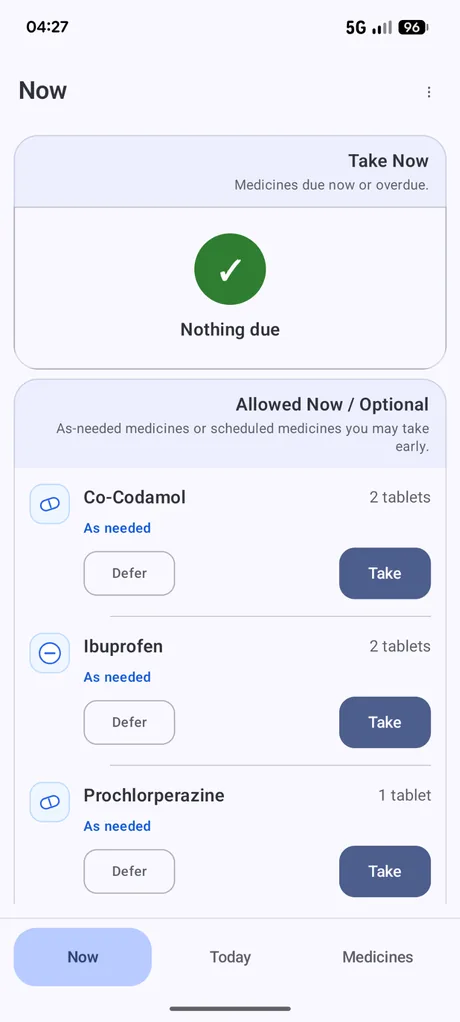
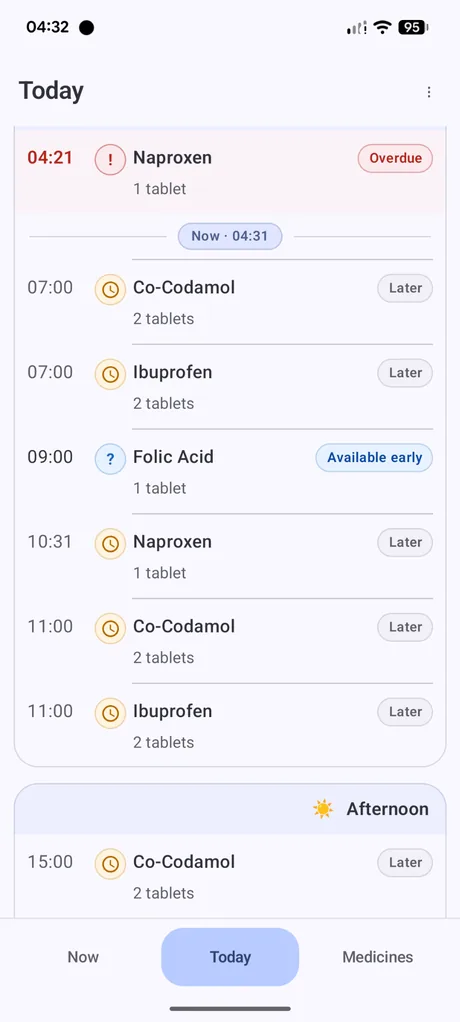
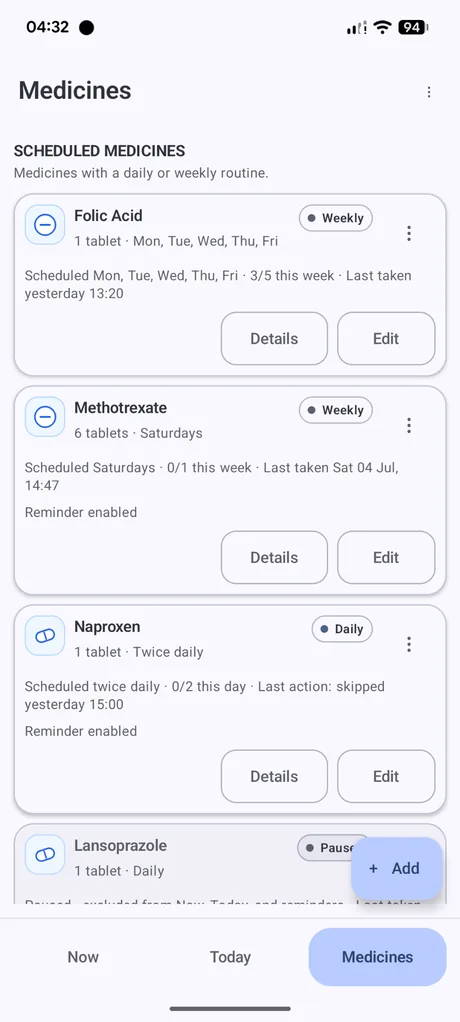
What the app looks like
Help topics
Getting started
Add your first medicine and understand the main screens.
Now and Today
Understand what is due now, optional, later, overdue, or available early.
Medicines and schedules
Set up daily, weekly, selected-day, and as-needed medicines.
Recording doses
Use Take, Record anyway, Snooze, Skip, Defer, and missed dose records.
Reminders and settings
Set reminder times, vibration defaults, schedule start time, and display size.
History
Review previous dose records and export a simple history file.
Travel Medication Planner
Plan around travel times and time-zone changes.
Backup and restore
Export a CSV backup and restore from a Dosewise backup file.
Privacy and safety
Understand local storage, backups, and medical boundaries.
Troubleshooting
Resolve common issues with reminders, Now, overdue states, and imports.